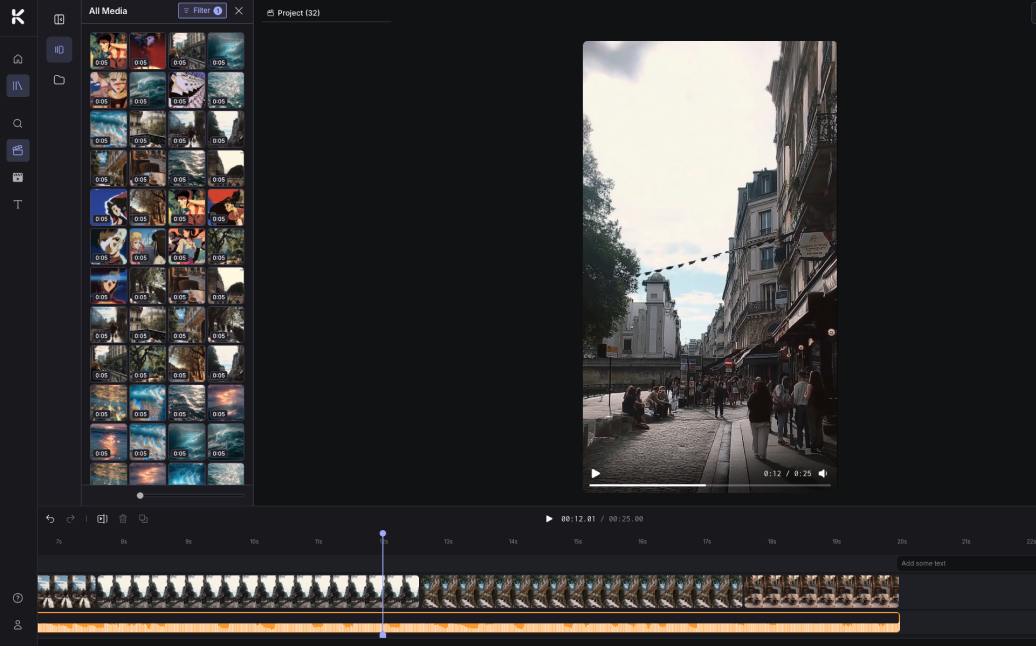
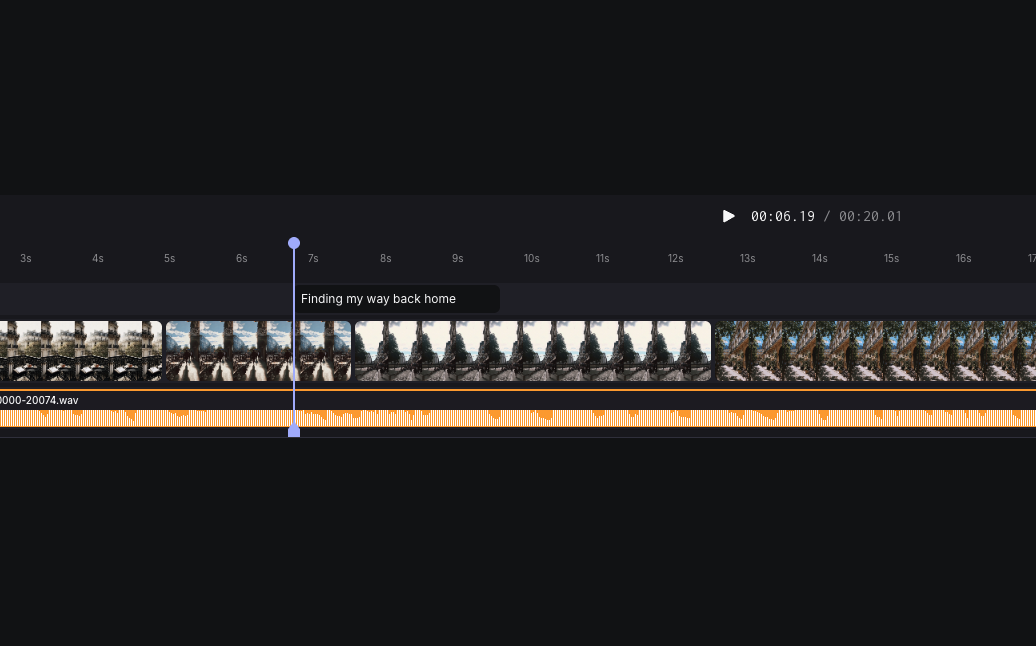
For a long time, the Kaiber workflow ended at "generate." You'd open Superstudio, work in Canvas to produce visuals, run those visuals through Cuts to auto-edit them, and at some point — almost always — you'd hit the limit of what an automated pipeline could do for you. You needed to layer in a custom voiceover. Adjust the timing of a single transition. Add a logo over the third shot. Cut a scene that was a beat too long. Whatever it was, it required a level of manual control that automated tools deliberately don't expose.
So you'd export. You'd download the generations as files. You'd open Premiere or DaVinci or Final Cut. You'd reimport everything. You'd build a new project from scratch. You'd finish the video there. And then, inevitably, halfway through that finishing pass, you'd realize one of the generations needed a re-render — a different angle, a different style, an extension by two more seconds. Now you'd have to bounce all the way back to Kaiber, regenerate, re-export, re-import, replace the clip in your NLE, and lose all the timeline work tied to the old version.
That round-trip is what Kaiber's Mary Zhang — one of the designers behind Editor — describes in her published portfolio writeup: "Users must export selected media to external video editing tools to compile, sequence and edit. Users must switch back and forth between Superstudio and video editing to edit and regenerate clips in their sequence." The friction was real, and it was killing creative momentum. Every context switch between AI generation and timeline editing was a moment where ideas died in transit.
Users must export selected media to external video editing tools to compile, sequence and edit. Users must switch back and forth between Superstudio and video editing to edit and regenerate clips in their sequence.
— Kaiber Editor design research, 2024
Editor solves this by collapsing the timeline directly into Superstudio. You no longer leave to finish. The clips you generated in Canvas are already in your Media Library. The variations you rendered in Cuts are right there too. You drag them onto a multi-track timeline, sequence them, layer audio, add transitions and text, and export — all in the same browser tab, with no platform jumping. And critically, when you need to regenerate something, you don't break the timeline. The regenerated clip slots back in with all its placement and timing intact. That's the part traditional NLEs simply can't do.
And here's the genuinely surprising part: Editor is free. Timeline Edit, the underlying mode, is available to every Kaiber user — including the no-subscription Flex plan and the free trial. Manual editing in Kaiber doesn't cost credits, doesn't require a subscription tier upgrade, and isn't gated behind any paywall. You can sign up today, drag in your own footage, edit it on a timeline, and export — all without touching a credit balance.